
How SQL exams work
Most Kubicle exams ask you to download an exam file when you start. SQL exams are different: there is nothing to download.
- The tables the questions refer to are already loaded in Kubicle's practice database.
- You query them in the SQL code editor inside the exam, the same kind of editor you used in the course's SQL exercises.
- Some questions ask you to run a query and enter the result; others are standard multiple-choice questions.
Finding the tables: Show Schema
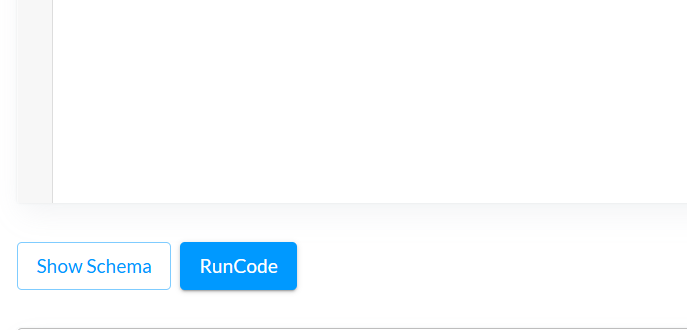
The Show Schema button, directly under the code editor and next to RunCode, opens the database schema: every table you can query, its columns, and how the tables connect. Open it before you start writing queries.
- Start the exam from the end of the course.
- Under the code editor, select Show Schema.
- Keep the schema to hand while you work, so you can check table and column names as you go.
Use the names exactly as the schema shows them. A query that names a table or column that is not on the schema returns an error in the code editor.
The database for an exam can be different from the one used in the course's lessons, so always open Show Schema in the exam itself rather than relying on table names you remember from the lessons.
Answering a question
- Read the question and note which table or tables it needs.
- Select Show Schema and check those tables and their columns.
- Write your query in the code editor and select RunCode.
- Read the result and enter it in the answer box exactly as the question asks.
Follow any format note under the answer box. For example, if it says not to round, enter the number as the query returned it.
If your query returns an error, check the spelling of each table and column against the schema first. A name that does not match the schema exactly is a common cause.
Pass mark, timing and retakes
SQL exams follow the same rules as other Kubicle exams, described in Navigating Kubicle Course Assessments.
- Time: the pre-exam screen shows how long you have. The exam submits automatically when the time runs out.
- Pass mark: also shown on the pre-exam screen, typically around 75%.
- Retakes: you can retake an exam as many times as you need. Each attempt gives you a new version of the exam, so do not reuse answers from an earlier attempt.
- After an unsuccessful attempt: the results page lists the questions you got wrong and the lessons to review before you try again.
If something does not work
Raise a support ticket if:
- Show Schema does not open, or shows an error page instead of the schema
- a question names a table or column that is not on the schema
- the code editor does not return a result for a query that should work
To help us fix it quickly, include:
- the course name
- the question number
- a screenshot of the question, and of the error if there is one
- the query you ran, if the problem is in the code editor